Billing software for readymade garments: a buyer’s guide for clothing shops
A garment counter is not a grocery counter. One kurti is twelve stock lines, every third customer wants an exchange, and the GST rate changes at ₹2,500. Here is what your billing software has to handle, and how Kapda Stock does it.
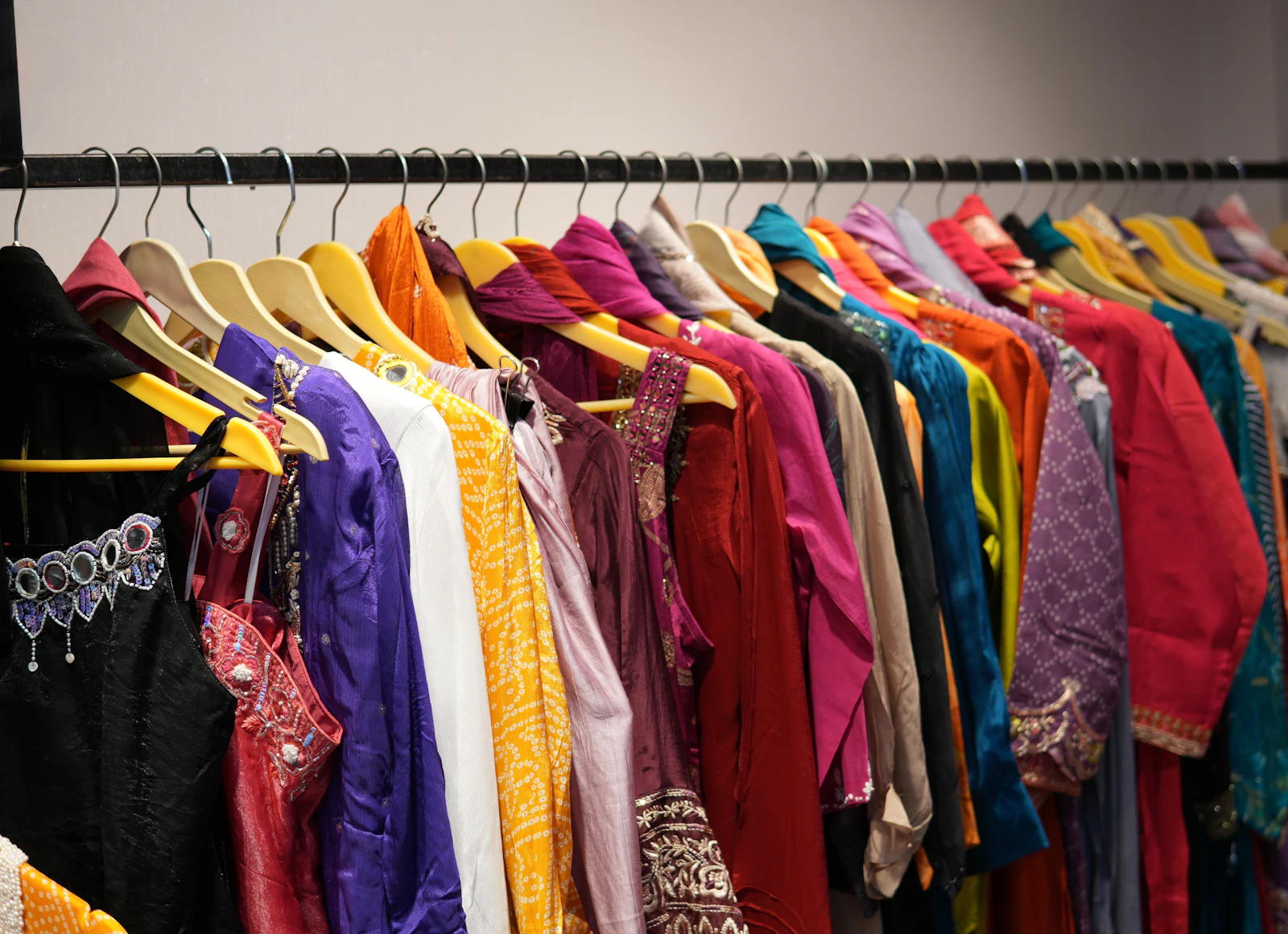
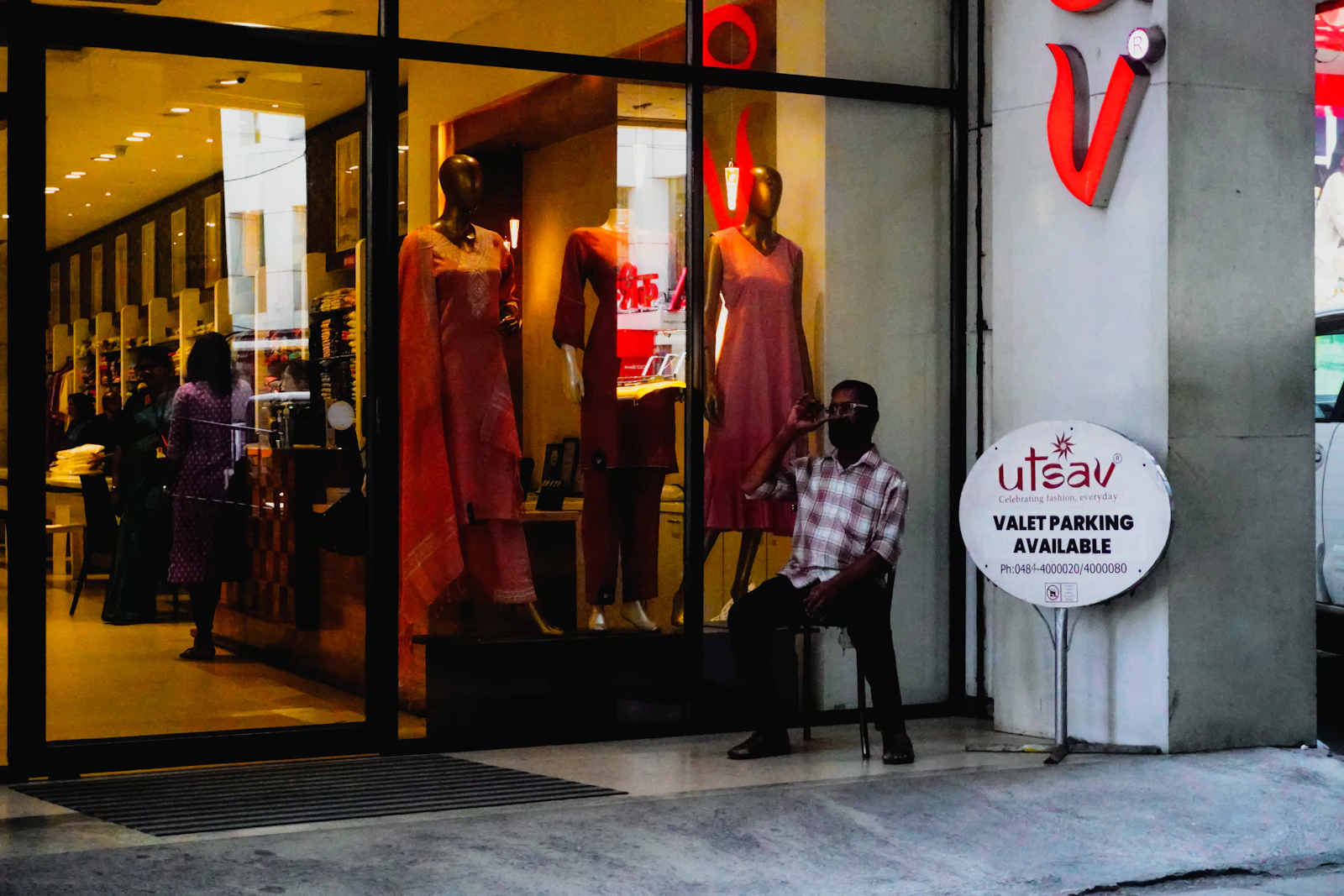
Photo: Harsh Khandelwal on Unsplash
Saturday evening in a readymade garment shop. A family of five is at the counter with eleven pieces. The son wants to swap a shirt he bought last week. The mother asks if the blue kurti comes in L. Someone else is waiting with exact cash and no patience. The person billing is flipping through a price list, writing a bill by hand, and adding GST on a calculator.
Most garment shops in India still run some version of that counter. It works, until it doesn’t: the L that was “definitely in stock” turns out to be gone, the exchange gets written on a scrap of paper that nobody finds at month-end, and the GST on the bill does not match what your CA files.
Good billing software for readymade garments fixes this, but only if it was built for clothes. Software built for a kirana or a medical store will print a bill, yet it will not understand size sets, exchanges or the ₹2,500 GST line. This guide covers what a garment shop actually needs from its billing software, what to check before you pay for one, and how Kapda Stock handles each part.
Why a garment counter needs different software
Generic billing apps treat every product as one line with one stock number. That model breaks the moment you sell clothes, for four reasons.
- One style is many stock lines. A kurti in four sizes and three colours is twelve separate things to count. If your software only knows “Kurti blue: 14”, it cannot tell you the M ran out on Tuesday.
- Exchanges are daily. A grocery shop sees a return once in a while. A garment shop handles exchanges every day, and each one has to fix stock, the bill, the GST and sometimes the customer’s balance.
- GST depends on the price. Readymade garments sold at up to ₹2,500 a piece attract 5% GST; above ₹2,500 the rate is 18%. A shop selling both everyday kurtis and wedding lehengas has two rates on the same rack.
- Billing happens in rushes. Festival weeks, wedding season and Sunday evenings bring queues. A billing screen that needs ten clicks per item loses customers at the door.
Keep those four in mind. Every feature below comes back to one of them.
Sizes and colours: count what customers actually ask for
Customers never ask for “a kurti”. They ask for the blue one in M. Your software has to answer that question in two seconds, without anyone walking to the back.
In Kapda Stock, every stock line has its own barcode, its own stock count and its own minimum level. The practical way to use that in a garment shop is to add each size and colour as its own product, with an SKU that says exactly what it is: KRT-BLU-M, KRT-BLU-L, KRT-RED-M and so on. Search “KRT-BLU” at the counter and every size in blue shows up side by side with its stock. The products guide explains every field.
Typing in a whole bundle by hand would take an afternoon, so don’t. Put the bundle in a spreadsheet, one row per size and colour, and load it through bulk import. A 40-piece bundle of ten sets goes in as four or eight rows, and you are done before the chai gets cold.
Catch the broken size set before the customer does
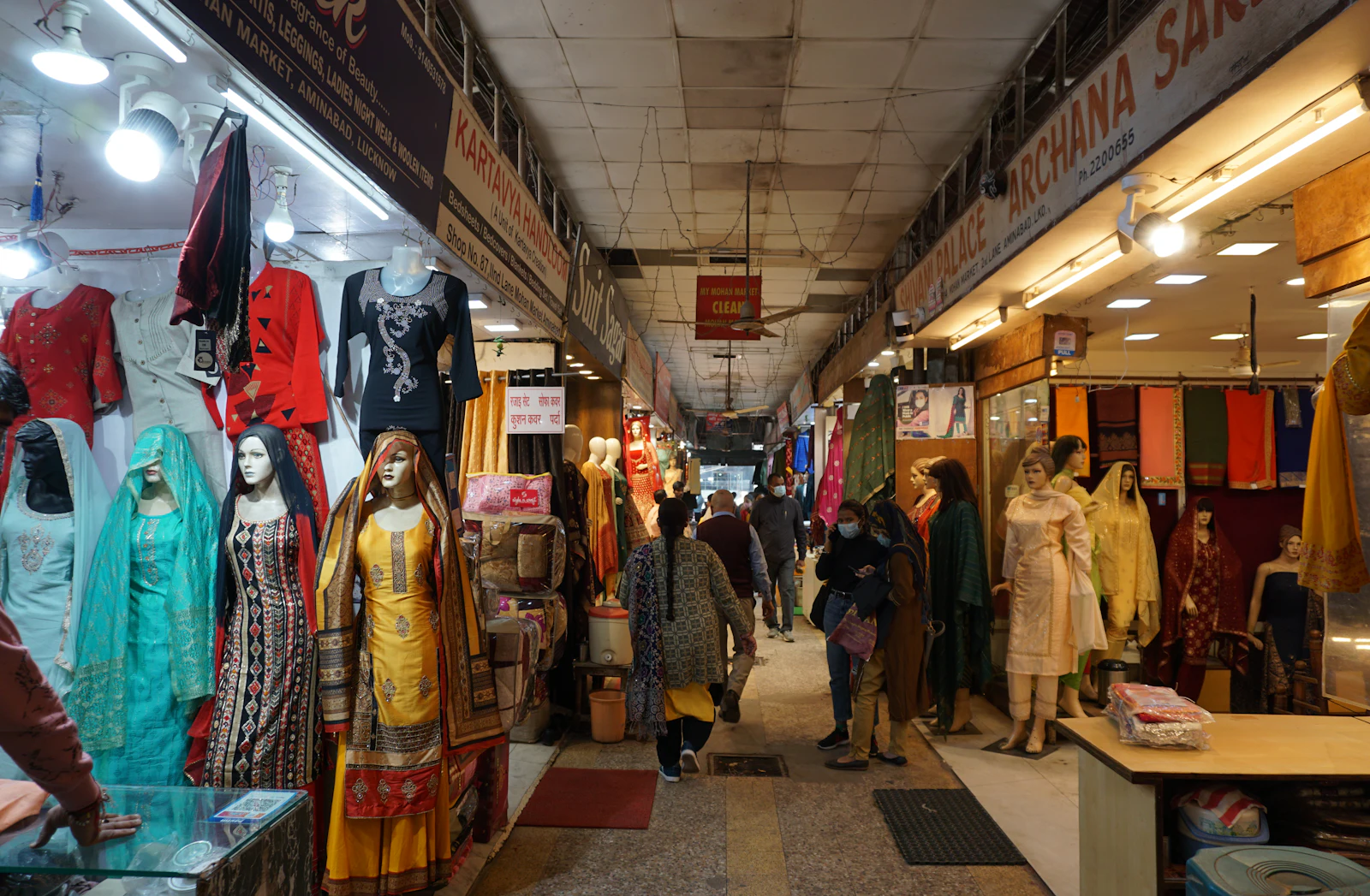
A rack can look full and still lose sales. You buy ten sets of a kurti; three weeks later fourteen pieces are left, but they are mostly S and XL, and M is gone. This is the broken size set, and it is the quietest way a garment shop loses money. We wrote about it in detail in our guide to India’s garment hubs.
The fix is a minimum stock level on each size. Set 3 for the sizes that sell fast and 1 for the slow ones. Every morning at 9 AM the low-stock alert reaches the owner on email and WhatsApp with every item at or below its minimum. Because each size is its own line, the alert says “Kurti blue M: 0”, not “Kurti: 14”. Reorder suggestions use the last 30 days of sales, so the M that sold out first goes to the top of your next order.
Barcode labels: the difference between a 30-second bill and a 5-minute bill
The slowest part of manual billing is finding the price. Someone reads the tag, looks up the rate, checks the size, types the amount. Multiply that by eleven pieces and you have a queue.
Kapda Stock gives every stock line a 12-digit barcode automatically. You don’t buy or register anything. Select the products and print a sheet of barcode labels that carry the product name, the size and colour, the SKU, the HSN code, the GST rate and the GST-inclusive price. Stick them on before the pieces reach the rack.
At the counter, staff scan with a scanner gun or with the camera of the phone they already have. The right size comes off stock, the right price lands on the bill, and nobody has to remember that the maroon suit was ₹1,450 and not ₹1,540.
The billing screen: fast enough for a Saturday queue
The POS billing screen is where your staff spend their day, so it has to be quick and hard to get wrong. Here is what a sale looks like in Kapda Stock:
- Scan or search. Press F2, scan the label or type a name or SKU. Each scan adds one piece; scanning the same piece again adds another.
- Pick the customer, or don’t. Leave it blank for a walk-in. Search by name or phone for a regular, and the screen shows what they already owe and their loyalty points.
- Adjust if you bargain. Change a line’s rate to the price you agreed, take a rupee discount off one line, or a percentage off the whole bill.
- Take payment any way it comes. Cash, UPI or card, or split it: ₹1,000 cash and the rest on UPI. If a regular pays part now, the rest goes on their khata.
- Complete and print. F9 completes the sale. Print an 80 mm thermal receipt, or download the A5 invoice PDF.
Two small features matter more than they sound. Park bill (F6) holds a bill when a customer goes back to try one more size, so you can serve the next person; Held bills (F7) brings it back. And keyboard shortcuts for everything mean a trained cashier barely touches the mouse.
GST on garments: get the 5% and 18% right on every bill
Since 22 September 2025, readymade garments with a sale value of up to ₹2,500 per piece attract 5% GST, and those above ₹2,500 attract 18%. Garments sit in HSN chapter 61 (knitted or crocheted) and chapter 62 (woven). A ₹1,200 cotton kurti is at 5%. A ₹3,800 embroidered lehenga is at 18%. Both may be on the same bill.
| Item | Price per piece | GST rate | HSN chapter |
|---|---|---|---|
| Cotton T-shirt (knitted) | ₹499 | 5% | 61 |
| Printed cotton kurti (woven) | ₹1,200 | 5% | 62 |
| Men’s formal shirt | ₹2,499 | 5% | 62 |
| Embroidered party-wear suit | ₹3,200 | 18% | 62 |
| Woollen sweater (knitted) | ₹2,800 | 18% | 61 |
In Kapda Stock each product carries its own HSN code and GST rate. You set it once and it prints on every bill. Prices on the POS include GST, so the price on the tag is what the customer pays, and the bill splits out the tax for you: CGST and SGST for a customer in your state, IGST when the customer’s GSTIN is from another state.
Take care with items priced close to ₹2,500. A ₹2,600 suit sold with a ₹200 discount may fall to the lower rate, depending on how your CA treats the discount. Decide the rule with your CA once and set the products to match. If you are unsure of a code, look it up in our free HSN code finder, or work out the tax in the GST calculator.
HSN & GST Rate Chart for Textile Shops
One printable sheet with every code and rate in this finder — keep it at the billing counter.
- Every textile product in the finder with its HSN code
- Alternative codes by fibre, weight and knitted / woven
- 5% vs 18% rule and the ₹2,500 per-piece limit explained
- Print it or save as PDF for the counter
Exchanges and returns without breaking your books
The most common garment-shop mistake with exchanges is editing the original bill. It feels natural: cross out the M, write the L. In GST terms it is a problem, because an issued invoice is a legal document, and it leaves your stock and your tax figures out of step.
Kapda Stock does it the right way without making it slow. Open the original invoice and start a return against it, full or partial. The returned piece goes back into stock under the right size, a numbered credit note is issued, GST is reversed correctly, and if the customer had an outstanding balance it comes down. Then ring up the new size as a normal sale. The original invoice is never touched.
Partial and repeated returns on the same bill are fine. If a customer returns two of five pieces this week and one more next week, each return gets its own credit note, and the app never lets you credit more than was billed.
Udhaar and regular customers
Most garment shops have a list of families who buy on credit and pay at the end of the month, or after the harvest, or after the wedding. That list usually lives in a diary. The diary works until the day a customer disputes a figure and you can’t show them which bill it came from.
In Kapda Stock every customer has a running khata. Any unpaid part of a bill goes on it automatically. When the customer pays, the payment settles their oldest bills first, and each bill is marked paid or part-paid. You can set a credit limit per customer, and a sale that would cross it needs the owner or an admin to approve. A statement PDF shows the customer every bill and payment, which ends most arguments in one look.
Chasing is the part nobody likes. Switch on the udhaar recovery ladder and the app sends a polite WhatsApp reminder at 7 days, a reminder with a UPI payment link at 15, and a firmer step at 30. A customer who promises a date pauses the reminders until that date. Our article on never chasing udhaar again covers the whole method.
Receipts, UPI QR codes and WhatsApp bills
An 80 mm thermal printer is standard on garment counters, and the receipt needs to look professional without wasting paper. Kapda Stock prints your shop name, address and GSTIN, each item with quantity and rate, the taxable value, CGST and SGST (or IGST), and the total in large print. On desktop Chrome or Edge it prints straight to a USB thermal printer; on a phone, download the 80 mm PDF and print it through the printer’s driver. The printing guide covers both.
Add your UPI ID once in invoicing settings and every receipt and invoice carries a Scan to pay QR code with the bill amount already filled in. It opens in GPay, PhonePe, Paytm, BHIM or JKPay, and the money goes straight to your account.
Many customers would rather not carry paper at all. Dispatch on an invoice sends it by WhatsApp, SMS and email together, from your shop’s own WhatsApp number. That also means the customer has your number saved, which is where the next sale comes from.
When the internet goes down mid-sale
Power cuts and patchy mobile data are a fact of life in many Indian bazaars, and a billing app that stops working without internet is a liability on a festival evening. Kapda Stock’s POS keeps billing when the connection drops. As long as the POS screen is already open, a completed sale is saved on the device and the cart clears for the next customer. When the internet returns, the queued sales sync on their own and become normal invoices with normal numbers.
There are two rules to remember: keep the POS open on the counter device, and don’t clear the browser before the sales have synced. The offline mode guide explains the details, and our article on billing when the internet goes down shows how shops set up the counter for it.
Reports that tell a garment shop what to buy next
Billing software that only prints bills leaves money on the table. Every bill is a record of what your customers wanted, and that record should decide your next buying trip.
- ABC analysis ranks every product by sales, so you can see the few styles that bring in most of your revenue. Those deserve a repeat order before they run out. See how ABC works.
- Dead stock lists anything with stock and no sale for 90 days or more. In clothes, that is the odd sizes and last season’s colours. Clear them with an offer or coupon before the new bundles arrive. See the reports hub.
- Category performance shows revenue, cost and margin for kurtis, jeans, kidswear and every other category, so you know which ones earn money and which only earn turnover.
- Profit and loss for any month or financial year, built from your bills and expenses, ready for your CA. See the P&L guide.
At the end of each month the GST & Compliance screen checks your bills for the mistakes that cause trouble at filing time, such as a malformed customer GSTIN or a line without an HSN code, then exports one workbook for your CA. The GST returns guide walks through it.
A checklist before you choose garment billing software
Whatever you end up using, ask these questions before you pay. A good answer to each saves you a painful switch later.
- Can it count each size and colour separately, with its own stock and minimum level?
- Does it print barcode labels with price, size, HSN and GST, and scan them with a phone camera as well as a scanner gun?
- Does it handle 5% and 18% GST per product, with CGST/SGST or IGST chosen from the customer’s state?
- Are exchanges done through returns and credit notes, rather than editing an issued bill?
- Does it keep a khata per customer, with credit limits and reminders?
- Does it keep billing when the internet drops?
- Does it print on an 80 mm thermal printer and put a UPI QR code on the bill?
- Can staff bill without seeing cost prices or giving unlimited discounts? Kapda Stock lets you set this per person through module access.
- Does your data get backed up every night, to a place you control? Kapda Stock backs up to your own Google Drive. See backups.
- Is the price clear, with no setup fee and no charge per bill?
What it costs
Kapda Stock has two self-serve plans, billed monthly or yearly. Prices are before 18% GST, and there is no setup fee.
| Growth | Professional | |
|---|---|---|
| Monthly | ₹349 | ₹599 |
| Yearly | ₹3,499 | ₹5,999 |
| Team members (owner not counted) | 3 | 5 |
| Products (each size and colour counts as one) | 1,000 | 10,000 |
| Invoices per month | 5,000 | 15,000 |
A rough guide for garment shops: because each size and colour is its own product, 1,000 products is about 100 to 150 styles in full size sets. A small kurti or kidswear shop fits comfortably in Growth. A family store with jeans, shirts, ethnic wear and kidswear will usually want Professional. Every feature in this article is in both plans. See the full comparison on the pricing page.
Getting started in one afternoon
You don’t need to stop the shop to switch. Most garment shops get going like this:
- [Sign up](/signup) and enter your shop name, address and GSTIN.
- Import your fast-moving stock first. Your top 50 styles, in every size and colour, through bulk import. The rest can follow over the week.
- Print labels for those products and stick them on.
- Add your UPI ID so every bill carries a QR code.
- Run the counter on Kapda Stock for one day alongside your old method, then drop the old method.
- Bring over udhaar balances for your regular credit customers.
If you are moving from a register or another app, our 30-day switching plan lays it out week by week. For more on how Kapda Stock fits a clothes shop specifically, see the garment shop billing software page.
Frequently asked questions
Which is the best billing software for a readymade garment shop?
Look for software built for clothing: it should count every size and colour separately, print barcode labels, handle 5% and 18% GST per product, process exchanges as returns with credit notes, keep a khata for credit customers and keep billing when the internet drops. Kapda Stock is built for exactly this, for textile and garment shops across India.
What GST rate applies to readymade garments?
From 22 September 2025, readymade garments sold at up to ₹2,500 per piece attract 5% GST, and those priced above ₹2,500 per piece attract 18%. Garments fall under HSN chapters 61 (knitted) and 62 (woven). Confirm each product’s rate with your CA, especially for items priced near ₹2,500.
Can I use garment billing software on my phone?
Yes. Kapda Stock runs in the browser on a phone, tablet or computer and can be installed like an app. You can scan barcodes with the phone camera and share bills on WhatsApp. For direct thermal printing over USB, use Chrome or Edge on a desktop or laptop, or print the 80 mm PDF from a phone.
How do I handle a size exchange in billing software?
Never edit the original bill. In Kapda Stock you open the original invoice and process a return for the piece that came back. Stock goes back under the right size, a credit note is issued and GST is reversed. Then bill the new size as a fresh sale.
How much does billing software for a garment shop cost?
Kapda Stock starts at ₹349 a month or ₹3,499 a year on the Growth plan, and ₹599 a month or ₹5,999 a year on Professional, before 18% GST. There is no setup fee, and every billing feature is included in both plans. See the pricing page for the full comparison.
See it working in your own shop
Set up a workspace in under a minute, or read the step-by-step guides in the docs.