Pattern fabric: how fabric stores can organise designs and inventory
A shop with three hundred printed and woven designs can still lose a sale because nobody can find the one the customer wants. Here is a practical system for naming, shelving and tracking pattern fabric so every design earns its place.
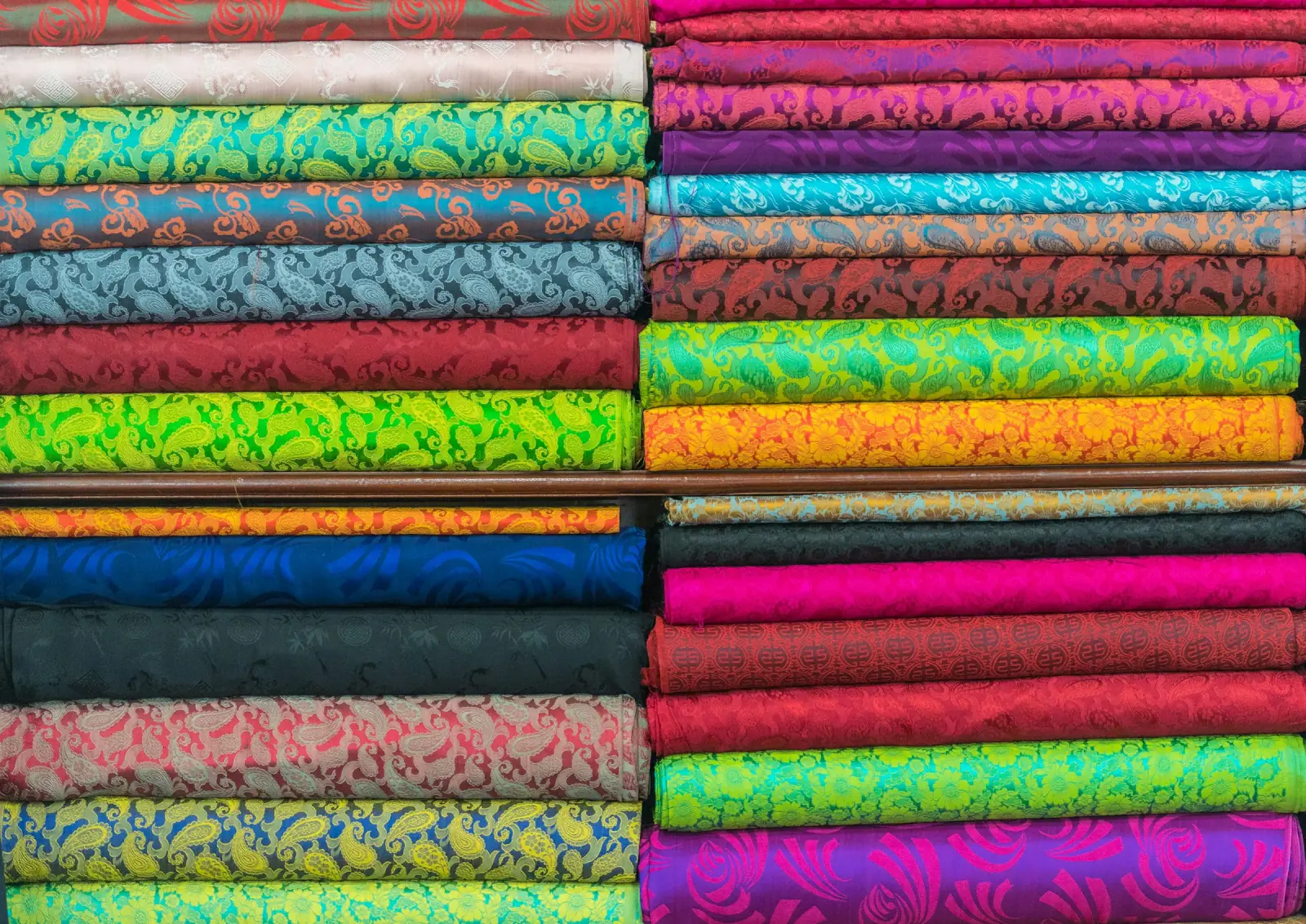
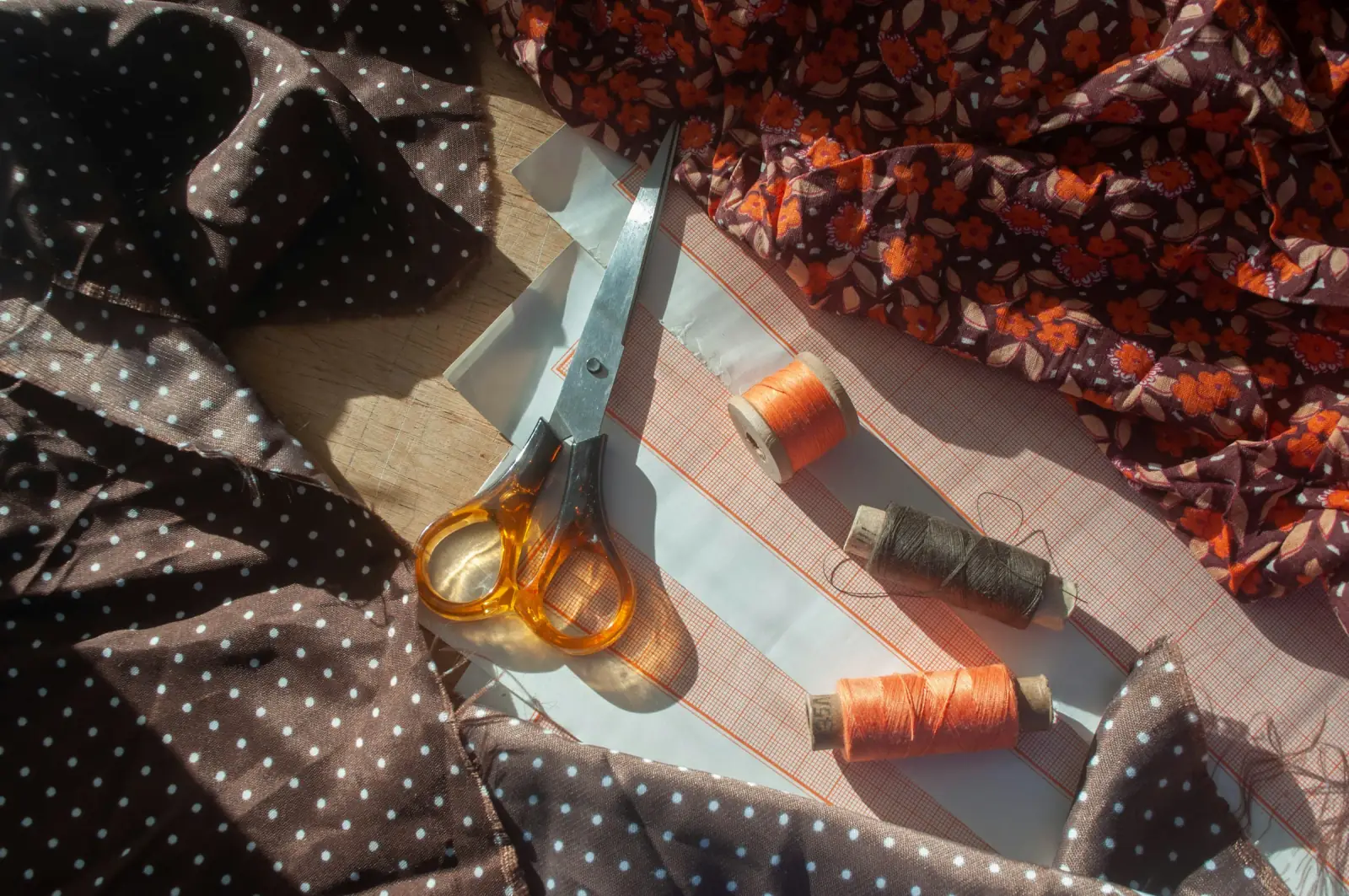
Photo: Rod Long on Unsplash
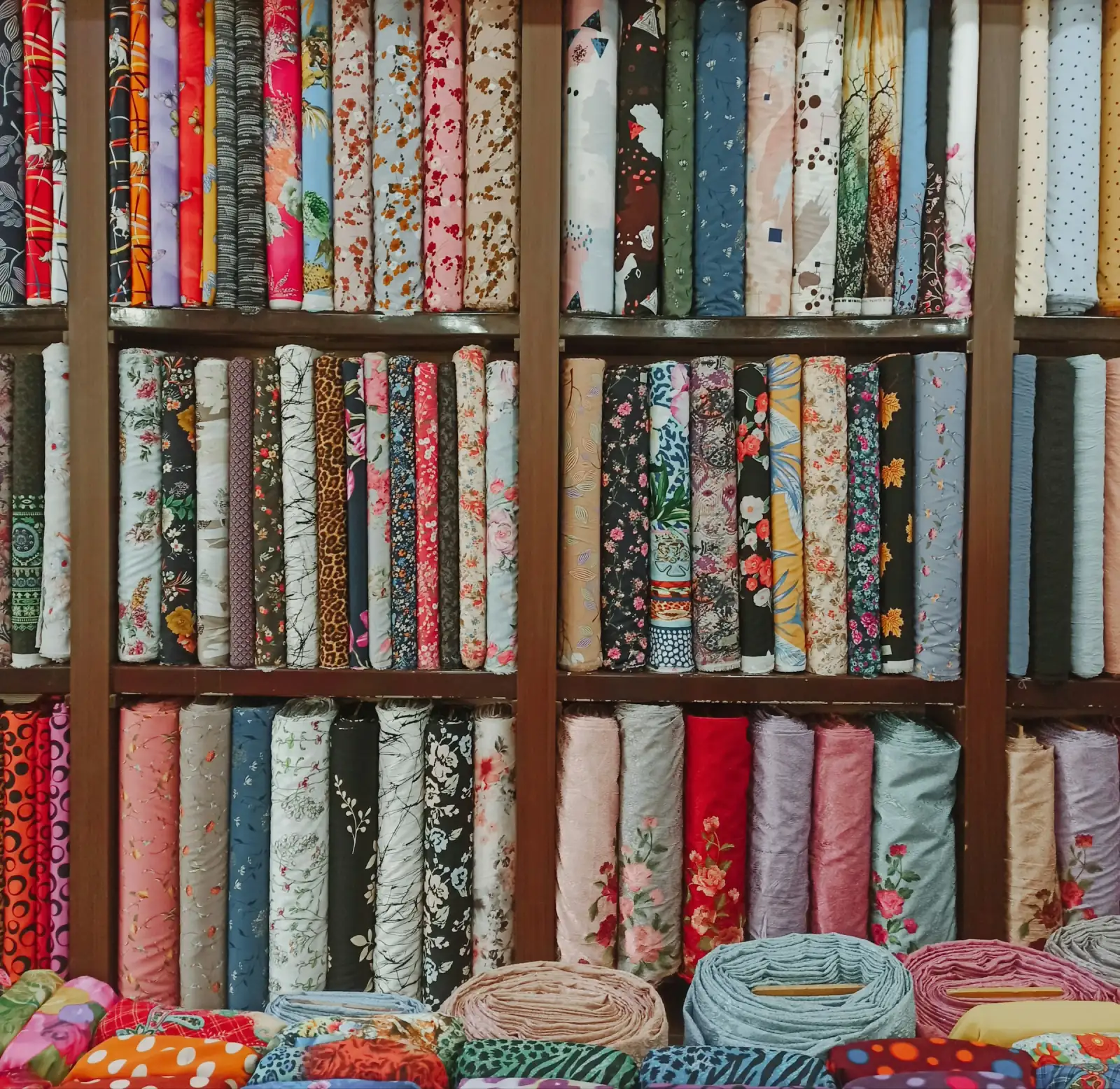
A customer holds up her phone. On the screen is a photo of a kurta her friend bought from your shop two months ago: small green paisleys on a mustard ground. “Do you still have this one?” Your salesman looks at the wall — three hundred bolts of prints, checks, stripes and weaves — and starts pulling out anything mustard. Ten minutes later, he isn’t sure. Neither is the customer, who leaves.
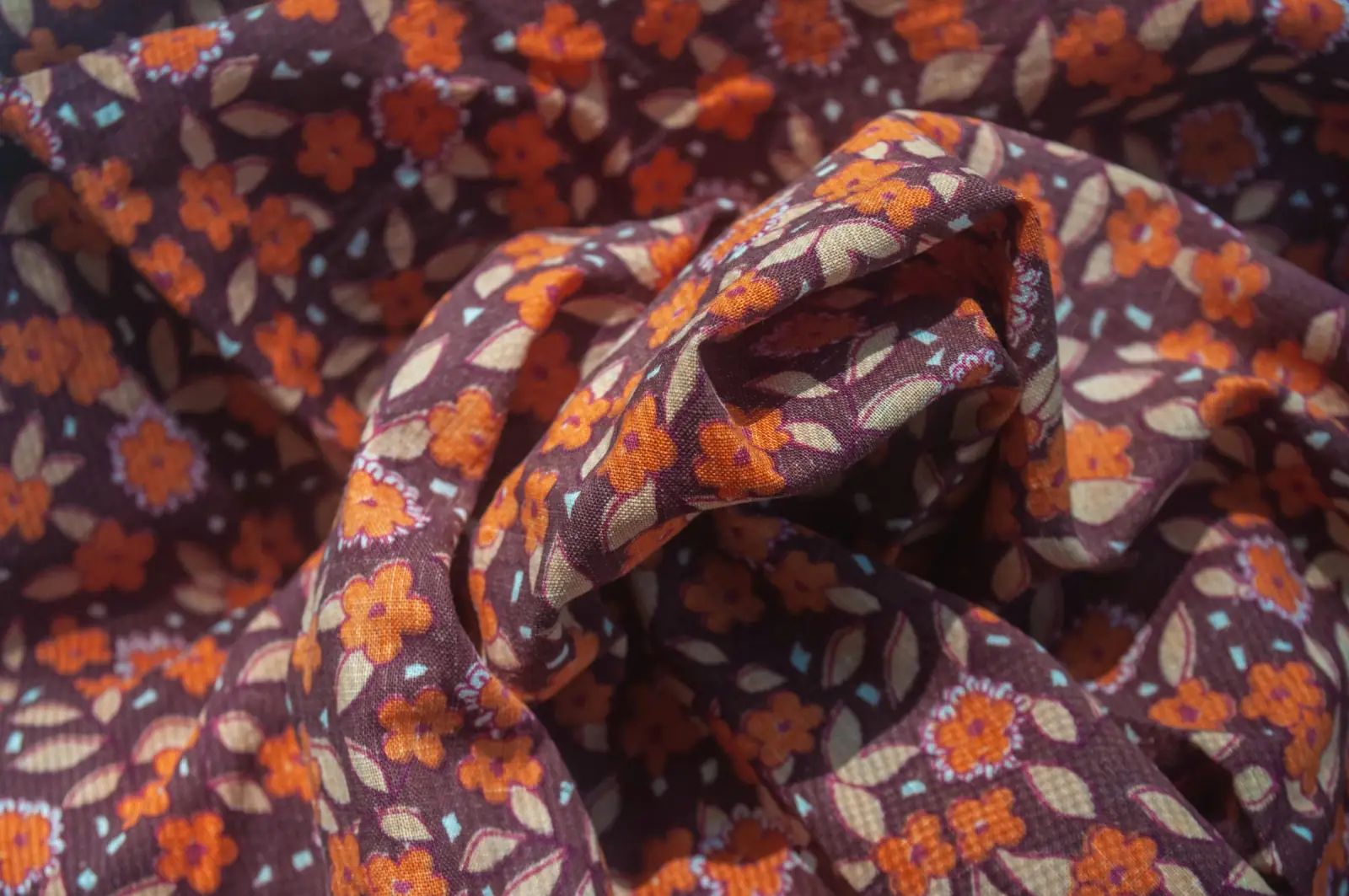
Patterned fabric is where most fabric shops make their money and lose their minds. Every design is a separate product that looks almost, but not quite, like fifty others. Suppliers name them by numbers nobody remembers. Designs sell out and never return, or return in slightly different colours. Without a system, even an experienced salesman is guessing.
This guide sets out a practical way to organise pattern fabric in a store: how to group designs into families customers understand, how to name and number them so they can be found and reordered, how to arrange the shelves, how to handle catalogue sets, and how to use your sales to decide which designs stay.
The pattern families customers recognise
Customers don’t ask for design number 2041. They ask for “something with small flowers” or “a check for a shirt.” Organising your range around the families people actually name makes every search at the counter faster.
| Family | Examples | Typical customers |
|---|---|---|
| Florals | Buti, jaal, roses, large blooms | Kurta, suit and dress buyers; home décor |
| Paisley and buta | Kashmiri buta, mango motifs, paisley jaals | Ethnic wear, shawls, festive kurtas |
| Checks and plaids | Gingham, tartan, windowpane, madras | Shirts, school uniforms, winter wear |
| Stripes | Pinstripe, candy stripe, broad bands | Shirts, nightwear, upholstery |
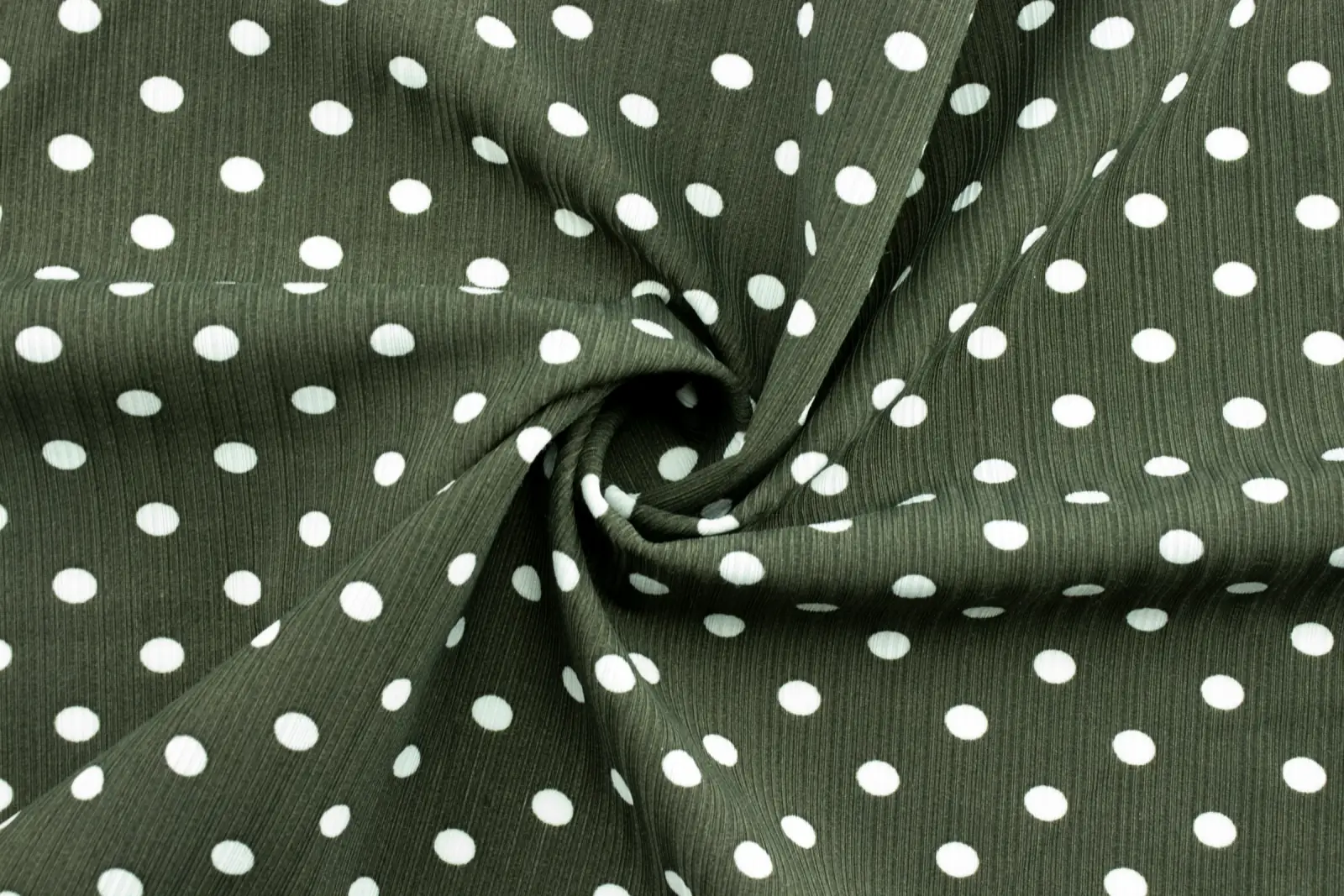
| Dots and geometrics | Polka dots, chevrons, triangles, ikat-style shapes | Dresses, kids’ wear, modern kurtas |
| Block and ethnic prints | Sanganeri, Bagru, Ajrakh, kalamkari | Premium kurtas, dupattas, home linen |
| Abstract and digital | Watercolour, brush strokes, photographic | Fashion wear, co-ord sets |
| Novelty and conversational | Animals, cartoons, food, hearts | Children’s wear, crafts, seasonal |
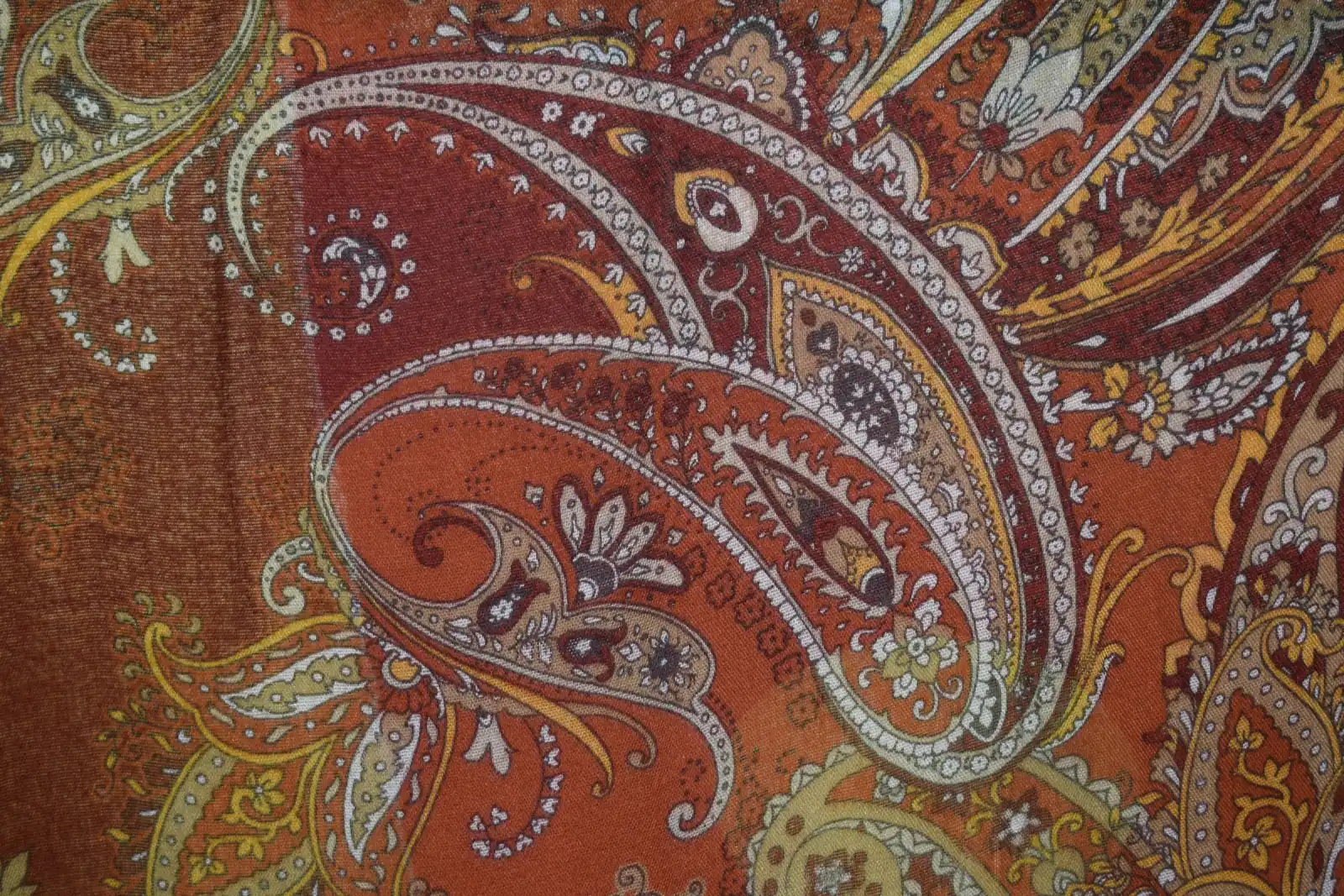
Paisley is a good example of why history sells. The motif is the buta of Kashmiri shawl weaving; when mills in the Scottish town of Paisley copied Kashmir shawls in the nineteenth century, the name stuck. A customer who hears that story at the counter looks at a paisley print differently.
Printed versus woven patterns
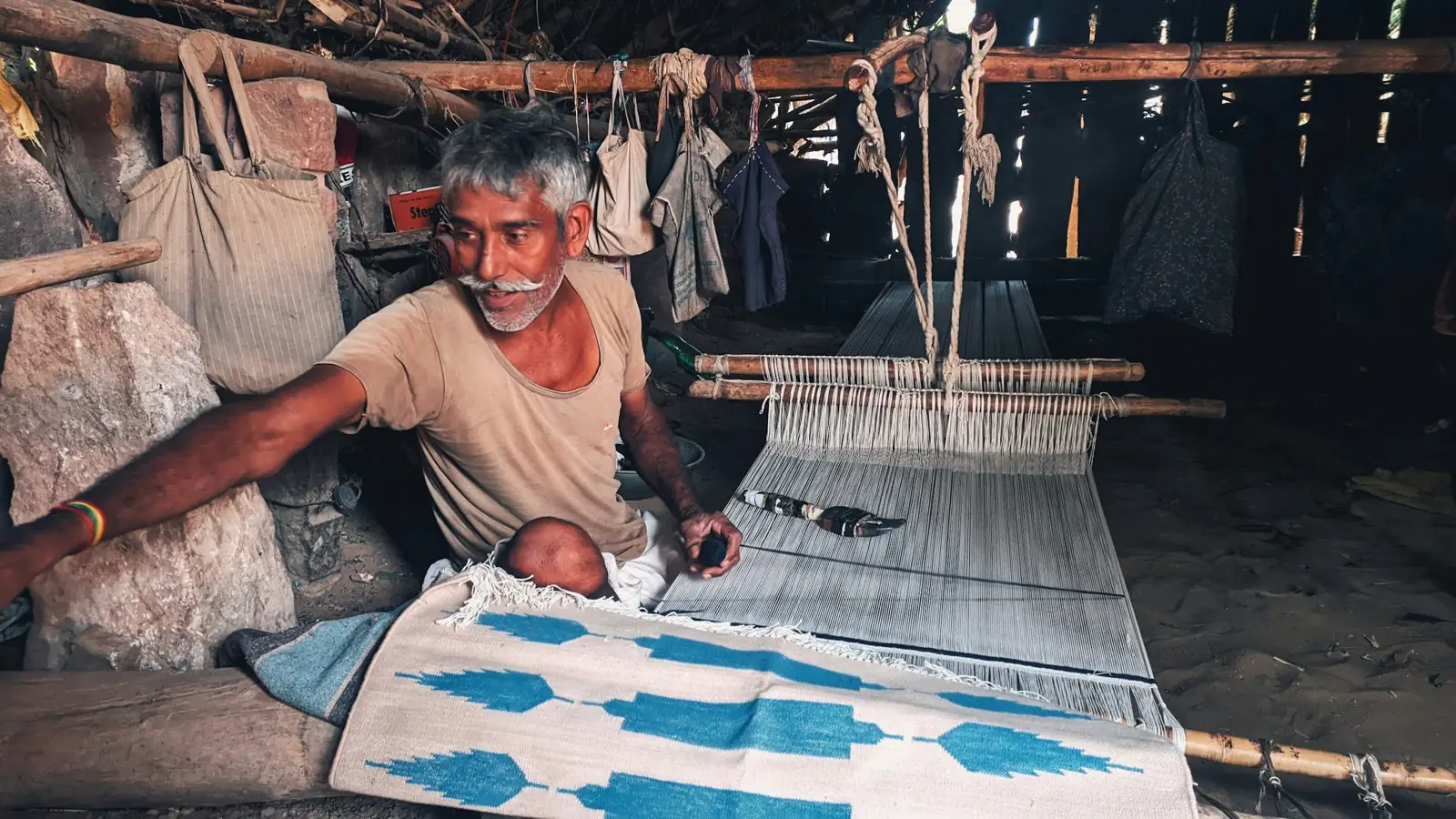
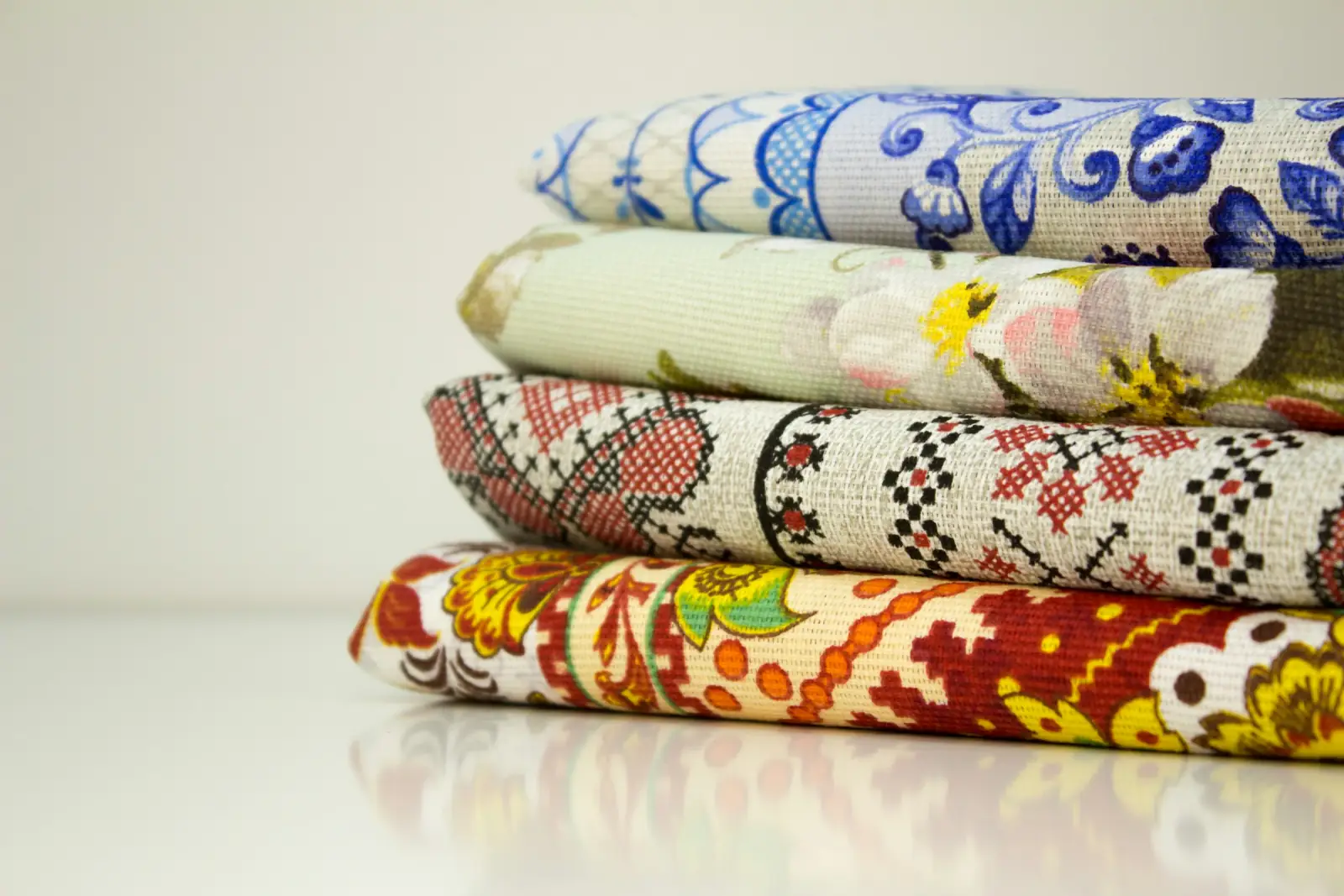
Inside each family, there is a second split worth making clear to staff. Printed patterns sit on the surface of the cloth and usually show faintly or not at all on the back. Woven patterns — jacquards, dobbies, ikats, brocades, many checks and stripes — are built from coloured yarns and look similar, or mirrored, on both sides. Woven designs usually cost more, fade less and suit different customers. Keep them in separate categories so your reports don’t blend them.
Naming designs so they can be found — and reordered
The single most useful change most shops can make is to give every design and colourway its own item, with a name and code that describe it. “Cotton print” as one product can’t tell you anything. “Cambric print, paisley jaal, mustard-green, D-2041” tells a salesman exactly what to look for, and tells you exactly what to reorder.
A naming pattern that scales
Pick one order for the parts of a name and use it every time: base fabric, pattern family, a short description, colour, then the supplier’s design number. The SKU follows the same order in short form.
| Product name | SKU |
|---|---|
| Cambric print · Paisley jaal · Mustard-green · D-2041 | PRT-CAM-PSL-2041-MUS |
| Cambric print · Paisley jaal · Navy-white · D-2041 | PRT-CAM-PSL-2041-NAV |
| Poplin · Gingham check · Red-white · 1 cm | CHK-POP-GNG-10-RED |
| Rayon print · Polka dot · Black-white · D-588 | PRT-RAY-DOT-588-BLK |
| Jacquard · Floral buta · Maroon-gold · W-112 | WVN-JAC-BUT-112-MAR |
Two rules matter most. Always keep the supplier’s design number in the SKU: it is the only thing a supplier recognises when you call to reorder. And give each colourway of the same design its own item, because colours sell very differently and you need to know which one to reorder.
Setting designs up in Kapda Stock
Each design is added as its own product, and every product gets a unique barcode automatically. Fabric sold by the metre is added from the + Add product form with the MTR unit; bulk import creates items in pieces. Unit, HSN code and GST rate can’t be edited after saving, so check them before you save. Products explains every field, and at the counter POS finds a design by name, SKU or scan, so a well-built name pays off every time someone searches.
Getting new designs into the system quickly
New patterns arrive in batches: a Surat catalogue of twelve designs, a Jaipur block-print lot of twenty. Typing each one in by hand is where good intentions fail.
- Scan the supplier’s bill. Scan bill reads a photo of a printed English invoice into a grid of lines. For each new design choose Create as new product, and one confirmation receives the stock, sets the cost and credits the supplier’s ledger. Handwritten bills still need typing, and quantities must be whole numbers.
- Use bulk import for a big catalogue. For opening stock or a large range, Bulk import loads a spreadsheet of products at once. Imported items come in as pieces, so use it for pre-cut sets and piece goods, and add metre-sold fabric from the form.
- Print labels straight away. Barcode labels for each new design show the name, SKU and price per metre, with a QR code that scans into the bill. A design without a label is a design that will be billed wrongly.
Arranging the shelves around how customers shop
A well-named system is only half of it. The shelf has to match, or the salesman who finds the design on screen still can’t find it on the wall.
- Group by base fabric first. Customers usually know whether they want cambric, rayon or poplin before they choose a pattern, and prices follow the base.
- Then by pattern family. All paisleys together, all checks together, so a customer can compare like with like.
- Then by colour, light to dark. It makes gaps obvious and makes the wall look deliberate rather than random.
- Keep woven designs separate from prints. They are priced and sold differently.
- Face the labels out. Every bolt end should show its name and SKU, so a salesman can match screen and shelf in seconds.
Swatch cards for the designs you can’t display
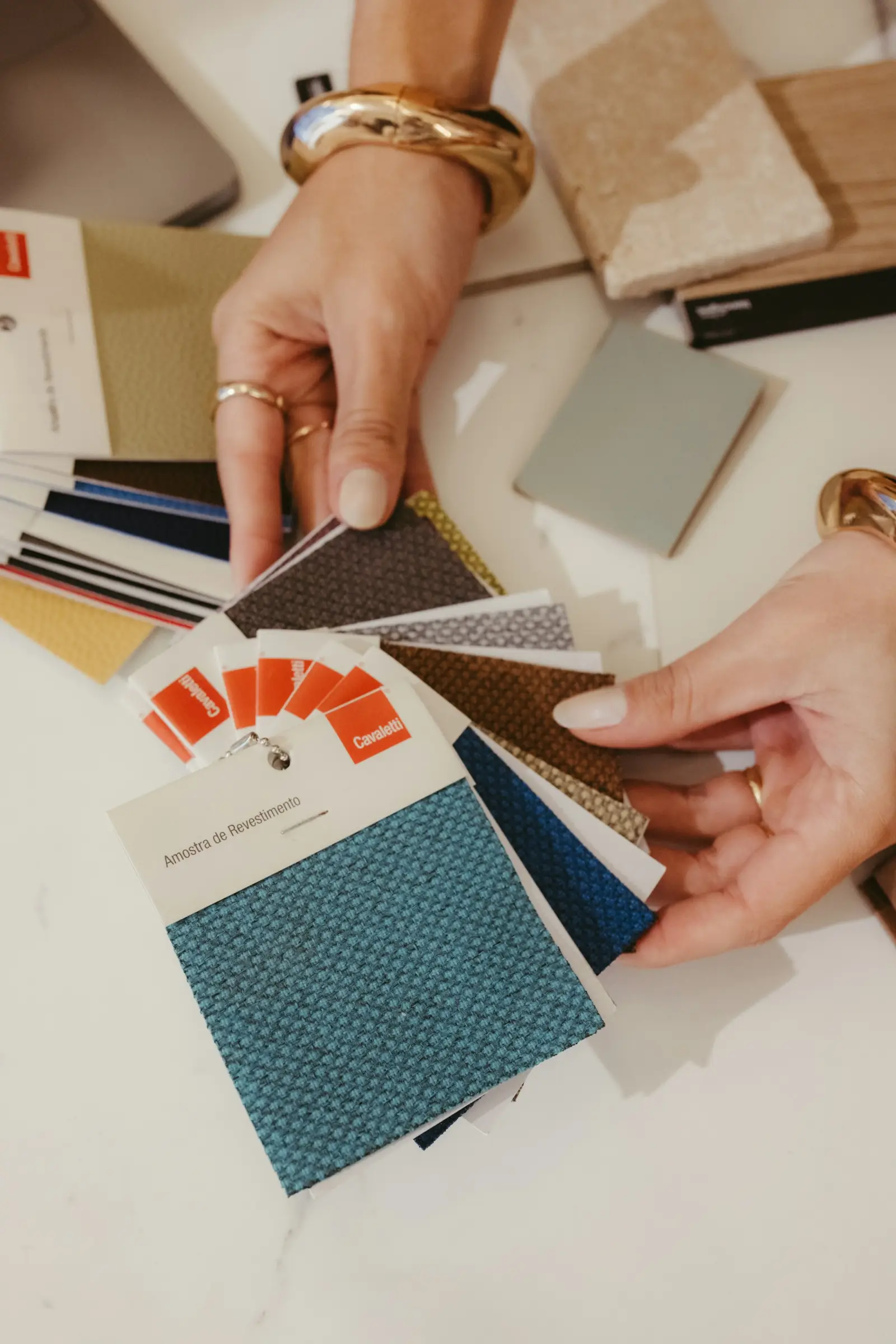
Most shops have more designs than wall space. A simple swatch system — a small cut of each design pinned to a card or hanger with its SKU and price — lets customers browse the full range without unrolling everything. Keep swatch cards in the same order as the shelves. When a design sells out, remove its swatch the same day; nothing annoys a customer more than choosing a swatch for a design you no longer have.
A phone catalogue for customers who ask by photo
More and more customers arrive with a photo, or ask for one before visiting. Keep an up-to-date photo of every live design on the shop phone, named with its SKU, so you can match a customer’s photo or send a quick selection. Delete photos of sold-out designs as you go, or the catalogue quickly becomes misleading.
Keep the supplier’s catalogue pages too, or a photo of each, filed by catalogue name. When a customer asks for a design you sold out of last season, the page tells you the design number to quote to the supplier, and whether the same print came in other colours you could order instead.
Price bands instead of three hundred prices
When every design is priced separately from its own supplier bill, a patterned wall ends up with dozens of slightly different prices that customers can’t make sense of and salesmen can’t remember. A simpler approach is to set a handful of price bands by base fabric and making method, and place every new design into one.
| Band | What falls in it |
|---|---|
| Everyday prints | Screen-printed cambric and poplin, standard checks and stripes |
| Fashion prints | Digital prints, printed rayon and voile, trend designs |
| Premium handwork | Hand block prints, Ajrakh, kalamkari |
| Woven designs | Jacquards, dobbies, ikats, brocades |
Customers learn the bands quickly, and the bargaining at the counter gets shorter. When a supplier’s price rise pushes a design’s cost too close to its band price, the weighted-average purchase cost on the product shows it, and you can decide whether to move the design up a band or stop reordering it.
Finding any design in under a minute
Go back to the customer with a photo on her phone. With a system in place, the search goes like this:
- Identify the family and base. Small green paisleys on mustard cambric: paisley, cambric.
- Search the name at POS or on the Inventory screen — for example “paisley mustard” — and read off the SKU and whether it is in stock.
- Walk to the cambric section, paisley family, mustard end of the colour run and match the bolt label to the SKU.
- If it is sold out, say so honestly, and show the nearest match from the same family or offer to check with the supplier using the design number.
The whole thing takes a minute, and even when the answer is no, the customer leaves knowing you took her seriously.
Handling catalogue sets from Surat and other hubs
Many patterned fabrics, especially from Surat, are sold in catalogue sets: a fixed number of designs bought together. It is tempting to record the set as one item. Don’t. If an eight-design set is one product, you will never know that designs 3 and 7 sold out in a week while designs 1 and 5 are still full.
- Record every design in the set as its own item, with the catalogue name and design number in the product name.
- Reorder the winners individually if the supplier allows it, rather than buying the whole set again.
- Reorder early. Surat designs move fast, and the same print may not exist a month later. Our guide to India’s textile hubs covers buying from Surat and other clusters.
- Clear the slow designs in each set before buying the next catalogue.
Letting the numbers decide which designs stay
Once every design is its own item, the reports start answering the questions a pattern buyer lives with.
- Which designs carry the range? ABC analysis ranks products by revenue: A items make up about 80% of revenue, B the next 15%, C the last 5%. Typically only a small number of designs are A. Never let those run out.
- Which families make money? Category performance shows revenue, cost and margin by category. If you have separate categories for prints, wovens and block prints, you can see which earns the best margin rather than just the most sales.
- Which designs have stopped? The dead-stock table on the Reports hub lists items with stock and no sale in 90 days, with the value locked up and a suggested clearance discount.
- What should I reorder, and how much? Reorder suggestions use the last 30 days of sales against a lead time you set. For a supplier who takes three weeks, raise the lead time on the Reorder report so suggestions match reality.
A simple design lifecycle
| Stage | Signal | Action |
|---|---|---|
| New | Just arrived | Label, display prominently, set a minimum stock |
| Proving | First three or four weeks of sales | Reorder the fast sellers early; move slow ones to a better spot |
| Core | Class A or B in ABC analysis | Keep in stock; negotiate a better rate; never let it run out |
| Fading | Sales slowing, class C | Stop reordering; sell through; offer the remnants |
| Dead | No sale in 90 days | Clear with a time-limited offer, or cut into pre-cut sets |
Most shops wait far too long between “fading” and “dead.” For fashion prints, the useful moment to act is when a design stops selling in its first month, not when it has sat for three.
Keeping remnants of every design useful
A range of three hundred designs produces a lot of short ends. Kapda Stock flags a started roll as a remnant once it is down to 2 units or 10% of its original length, whichever is larger. Patterned remnants sell well to quilters, children’s wear makers and crafters, especially when bundled by colour or family. How to track rolls of fabric explains the whole roll system, including remnant bins.
Mistakes that make a patterned range unmanageable
- One product for many designs. Convenient on day one, useless forever after. You can’t reorder or clear what you can’t see.
- Dropping the supplier’s design number. The shop’s own name for a print means nothing to the supplier when you call to reorder.
- Names in a different order every time. “Paisley cambric mustard” and “mustard cambric paisley” are the same design to a person and two different searches to a computer.
- Labels missing from half the bolts. A salesman who can’t match shelf to screen goes back to guessing.
- Swatch cards for designs long gone. Every out-of-date card is a disappointed customer.
- Reordering everything from last season. Last season’s tail was slow for a reason. Reorder the A designs; let the rest go.
A weekly routine for a pattern-heavy shop
- Add and label every new design the day it arrives, with its supplier design number.
- Update swatch cards and the phone catalogue — add the new, remove the sold-out.
- Check the low-stock alert from the morning email and reorder any core designs.
- Walk one pattern family and move anything that hasn’t sold in a month to a better position or a pre-cut set.
- Move remnants to the bin as rolls reach their ends.
Designs are your range. Organise them like it matters.
Patterned fabric is what customers come in for, and what makes one shop feel different from the next. The shops that do best with it aren’t the ones with the most designs; they are the ones that can find any design in seconds, know which ones are selling, and reorder the winners before they disappear.
Kapda Stock gives you the tools behind that: one item per design with its own barcode, supplier bills scanned straight into stock, labels with the price per metre, ABC and category reports, dead-stock lists and reorder suggestions. If florals are a big part of your range, start with our guide to floral cotton fabric. When you are ready, see the full feature list, compare plans or set up your shop and add your first design today.
Frequently asked questions
What is pattern fabric?
Pattern fabric, or patterned fabric, is cloth with a printed or woven design: florals, paisleys, checks, stripes, polka dots, geometrics, block prints and more. Some people also use “pattern fabric” to mean cheap plain fabric for testing a sewing pattern, which is usually muslin.
How should a fabric store organise its printed fabrics?
Group the shelves by base fabric, then by pattern family, then by colour from light to dark, with woven designs kept separate from prints. Give each design and colourway its own item with the supplier’s design number in the SKU, and label every bolt so the shelf matches the system.
What is the difference between printed and woven patterns?
A printed pattern is applied to the surface of finished cloth and usually shows faintly or not at all on the back. A woven pattern, such as a jacquard, dobby, ikat or many checks, is created from coloured yarns during weaving, so it appears on both sides, tends to fade less and usually costs more.
Why should each design be tracked separately?
Because designs and colourways sell very differently. If a catalogue set or a whole print range is recorded as one product, you can’t see which designs sold out and which are still on the shelf, so you can’t reorder the winners or clear the losers. Separate items make both decisions obvious.
Where does the paisley pattern come from?
Paisley comes from the buta motif of Kashmiri shawl weaving. In the nineteenth century, mills in the Scottish town of Paisley produced so many copies of Kashmir shawls that the pattern took the town’s name in English.
How many patterned designs should a small fabric shop carry?
There is no fixed number; it depends on space, budget and customers. A more useful rule is to keep as many designs as you can label, display or swatch, and track individually, and to review them regularly so slow designs are cleared before new ones arrive.
See it working in your own shop
Set up a workspace in under a minute, or read the step-by-step guides in the docs.